
Digital expense reports: how it works in three steps
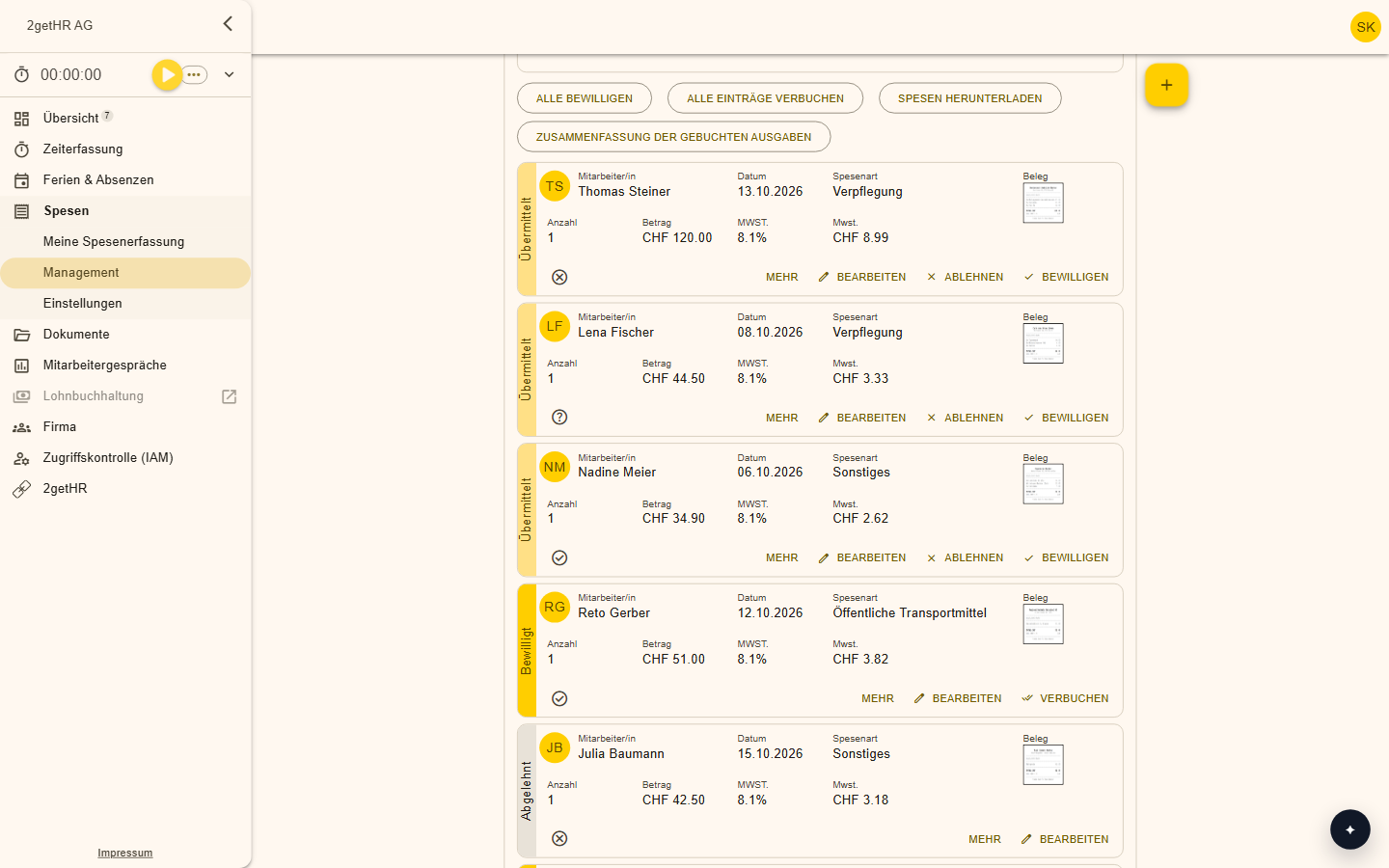
A digital expense report takes three steps: photograph the receipt, have the details checked, approve and export. Employees submit on the go, approval is quick, and all receipts are stored neatly in one place.
Correct as of October 2026. This guide provides general information and does not replace legal advice.
What an expense report contains
An expense report lists the costs of a period: date, amount, expense type, description and the receipt. Anyone who spends money on behalf of the company gets it back once the report is approved.
Digital in three steps
Photograph the receipt
The photo is uploaded and the expense type is recognised.
Have it checked
The details are checked against the expense policy, and deviations are visible.
Approve and export
Managers approve with a few clicks, and the data goes into payroll.
Receipts and retention
Receipts are part of the accounting records. In Switzerland, business records must be kept for ten years (Code of Obligations, Article 958f). They may be stored digitally if they remain unaltered, complete and readable at any time, as the Ordinance on Accounting Records (GeBüV) requires.
A sharp photo showing date, amount and supplier is the best basis.
Speed up approval
- A clear expense policy that everyone knows
- Photos on the spot instead of at month-end
- Automatic check against the policy
- Approval in a few clicks on your phone
Frequently asked questions
Is a photo enough as a receipt?
A clearly legible photo is generally the basis for digital storage. The general retention rules apply for tax purposes.
How long are receipts kept?
Ten years.
Make your team's everyday work easier
Try 2getHR free for 30 days. We're happy to help you get started, in the webinar or in training.