
Prepare and document employee reviews digitally
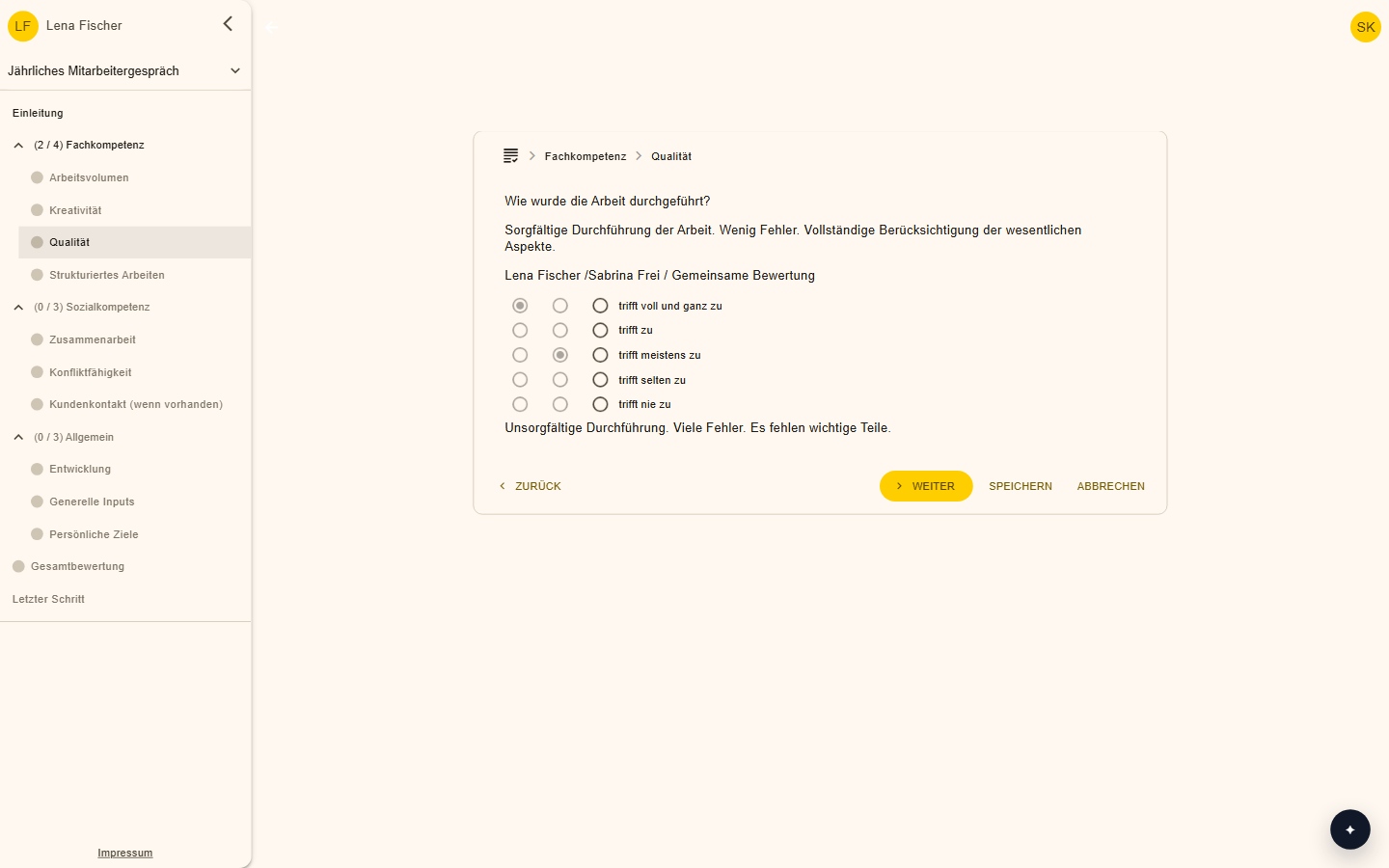
With the invitation, employees and managers receive an online questionnaire. It is the basis for the review, and the record is filed automatically in the personnel file.
Features at a glance
Online questionnaire
Both sides answer the questions independently of each other before the review.
Automatic record
The review record, agreed goals and dates are filed in the personnel file.
Clearly defined access
Only the people defined in advance can see the contents.
Reset approval
Reviews that have already been approved can be reopened.
How it works day to day
Invite
The questionnaire goes to both sides.
Complete
Both rate independently of each other.
Conduct the review
The answers form the basis.
Document
The record is filed automatically in the personnel file.
Reviews that focus on what matters
The administrative effort around the review shrinks, and the templates guide you through the process.
Frequently asked questions
Who can see the record?
Only the people defined in advance.
Are there templates?
Yes, review templates guide you through the process.
Make your team's everyday work easier
Try 2getHR free for 30 days. We're happy to help you get started, in the webinar or in training.